Why this explorer matters
This is the concrete layer between 'I built HFT features' and 'you can actually inspect what that means on real recorded data.'
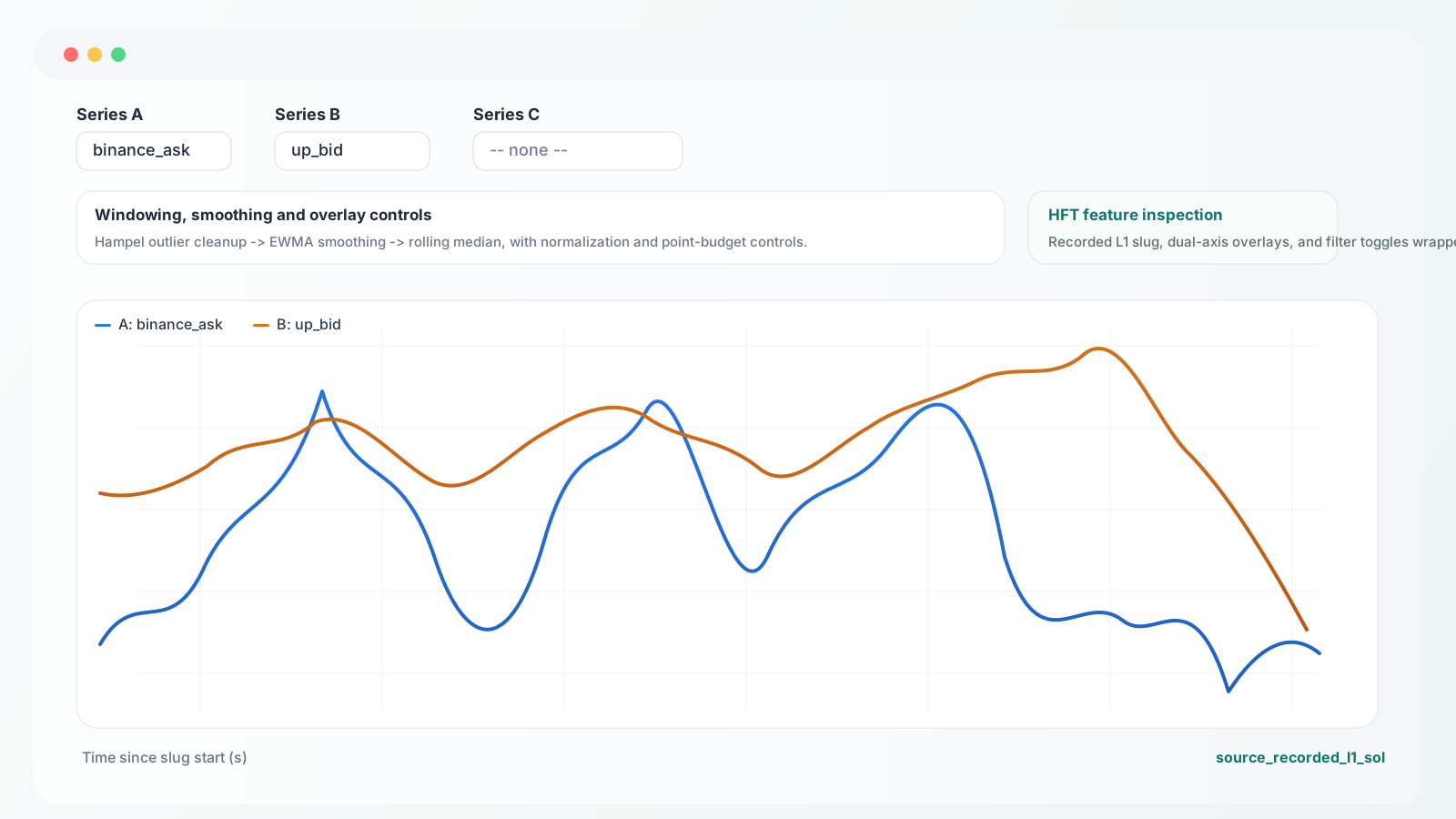
The HFT work was not just about training LightGBM on a prepared table. A big part of the job was checking whether individual features were stable, whether smoothing helped or hurt, how Binance and Polymarket moved together, and how much of the signal survived once timestamps were treated honestly.
This viewer comes from the real repo export, not from a portfolio mock. It makes the dataset story more credible because you can inspect the feature surface itself instead of only reading the summary around it.
Explore the recorded L1 slug
Use the controls to compare raw series, smoothing choices, and aligned HFT features on one real slug from the recorder pipeline.
This explorer is intentionally embedded as part of the website rather than linked as an external file, so the feature-debugging layer becomes part of the portfolio narrative.
Next move
Want the narrative behind the chart?
The HFT article explains why recorder quality, local receipt timestamps, prepared_l1 and prepared_l2, and execution realism mattered more than raw classifier glamour.